
Technical Insight
Obsolete drive? What to do before you replace the whole machine
An obsolete inverter does not have to mean a capital project. There is a ladder of options between a failed drive and a full machine replacement, and most sites skip the cheap rungs.
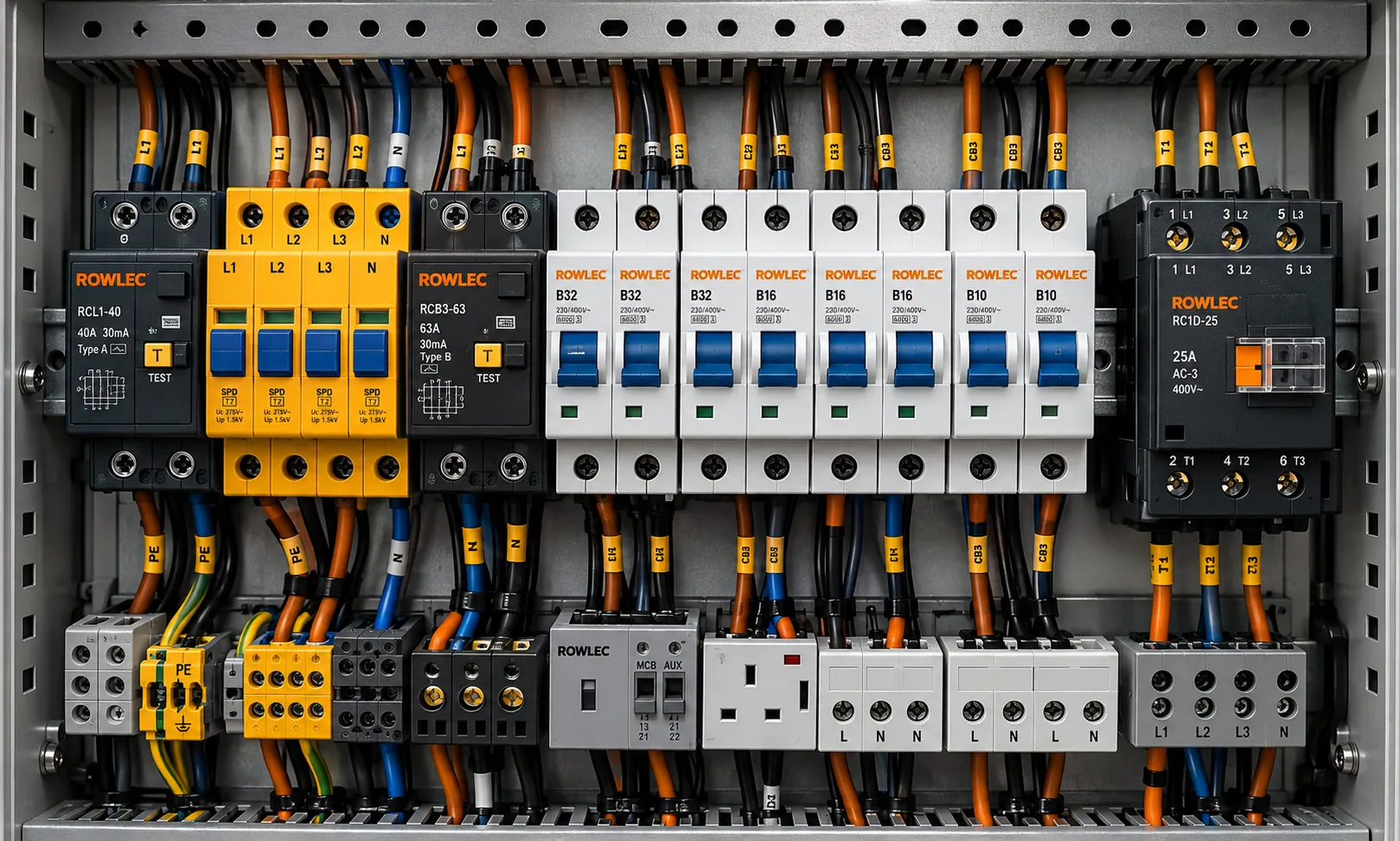
A drive fails on a machine that has been running quietly for fifteen years. Someone looks up the part number, finds it went end of life two product generations ago, and the conversation jumps straight to replacing the machine. It is a big jump, and it is usually premature.
Obsolescence is a supply problem before it is an engineering problem. There is a ladder of options between a dead inverter and a capital project, and the cheap rungs get skipped far too often.
First, establish exactly what you have
Most wasted time on obsolete equipment comes from an incomplete picture. Before making any decision, capture:
- The full nameplate data: manufacturer, type code, rating, supply voltage and phases, firmware or software version, and the serial number.
- What is plugged into it. Option cards, communication modules, encoder feedback, brake resistors, filters and any safety modules.
- The parameter set. If the drive still powers up at all, back it up now, before it is scrap.
- How it is controlled. Hard-wired terminals, a fieldbus, or a proprietary link to a machine controller.
- The motor it is driving. Frame size, rating, insulation class, whether it has a brake or forced ventilation, and whether it is standard or built to a machine specification.
That information decides which of the following options are actually open to you.
The options, cheapest first
1. Find the same drive
Obsolete does not mean extinct. Genuine surplus and new old stock exists in distribution channels around the world, and a worldwide sourcing search will often turn up the exact part number. This is the fastest route back to production because nothing else on the machine has to change: the parameters go straight back in and the control wiring is untouched.
2. Repair or exchange the failed unit
Many drive faults are power stage, capacitor, fan or supply board failures rather than the control electronics. A competent repair house can often return a tested unit, and some manufacturers still support a refurbished exchange for older ranges. Keep the failed unit rather than scrapping it until you have asked the question.
3. Fit the manufacturer replacement range
Most manufacturers publish a migration path from a discontinued range to its successor. These are usually close in footprint and terminal layout, and some offer adaptor plates and parameter conversion tools. Check the detail rather than the marketing: control terminal numbering, the encoder interface and the fieldbus protocol are where the surprises live.
4. Fit a different manufacturer with adaptation
Perfectly workable, but treat it as a small engineering job rather than a swap. You will need to confirm mounting and cabinet space, cooling and airflow, control terminal mapping, analogue signal ranges, protocol compatibility with the machine controller, EMC filtering and cable length limits, and the behaviour of any safe torque off function.
5. Retrofit the drive section properly
If several drives on the same machine are obsolete, replacing them individually as they fail is the expensive route. A planned retrofit during a shutdown, with a common platform, one spares holding and one set of documentation, usually costs less over five years than five separate emergencies.
The costs people forget
The drive itself is rarely the largest number. Budget for the parameter set being recreated by hand if no backup exists, the commissioning time to tune an application nobody documented, updated drawings, any safety function that has to be re-validated because the safety architecture changed, and the possibility that a modern drive with a different switching frequency stresses old motor insulation or introduces harmonics the installation has not seen before.
Do not wait for the next failure
The worst time to make these decisions is at two in the morning with production stopped. Two habits make obsolescence manageable:
- Back up every parameter set and store it somewhere that is not the drive itself, with the machine, the position and the date.
- Audit for obsolescence before it bites. List the drives, controllers, HMIs and specialist components on your critical assets, check their lifecycle status with the manufacturer, and decide which ones justify a spare on the shelf or held on your behalf.
Obsolescence is predictable. The failure is not. Doing the thinking while the machine is still running turns a shutdown into a planned job.
Plenty of machines that were written off as obsolete are still earning their keep because someone spent an afternoon on the options before reaching for the capital request.
Written by the Rowlec team
We have supplied and managed industrial spares for UK manufacturers since 2010, so everything here comes from work done on customer sites rather than from a catalogue.
Filed under Technical Insight
All news & insightsKeep reading
More from the
Rowlec team.
 Inventory Management
How to build a critical spares list that actually protects production
Most critical spares lists are written once and then quietly drift out of date. Here is a practical method for deciding what to hold, how much of it, and who owns the decision.
 Inventory Management
Five signs your engineering stores are costing you more than you think
Stores areas rarely get attention until something goes missing mid-breakdown. These five symptoms show up on almost every site we visit, and each one has a cost attached to it.
 Technical Insight
Bearing failure: reading the evidence before you fit the replacement
A failed bearing is the best diagnostic tool on site, and most of them go in the bin unread. Here is how to interpret what the raceways and rolling elements are telling you.

Bring us the awkward one
Obsolete, undocumented or urgent. Those are the enquiries we are best at.
Send an enquiryRapid. Reliable. Responsive.
Emergency deliveries and around-the-clock support for our SLA customers.
Learn more